I just passed 2 Kubernetes certificate exams several months and granted the Kubestronaut status. I decided to write this article to share my journey about how I prepare for every exam until I get this status. Also, the useful resources will be provided in this article for you to practice both exams.
Please note that the conditions of exams may change with time. Do use this article for reference only.
What is Kubestronaut?
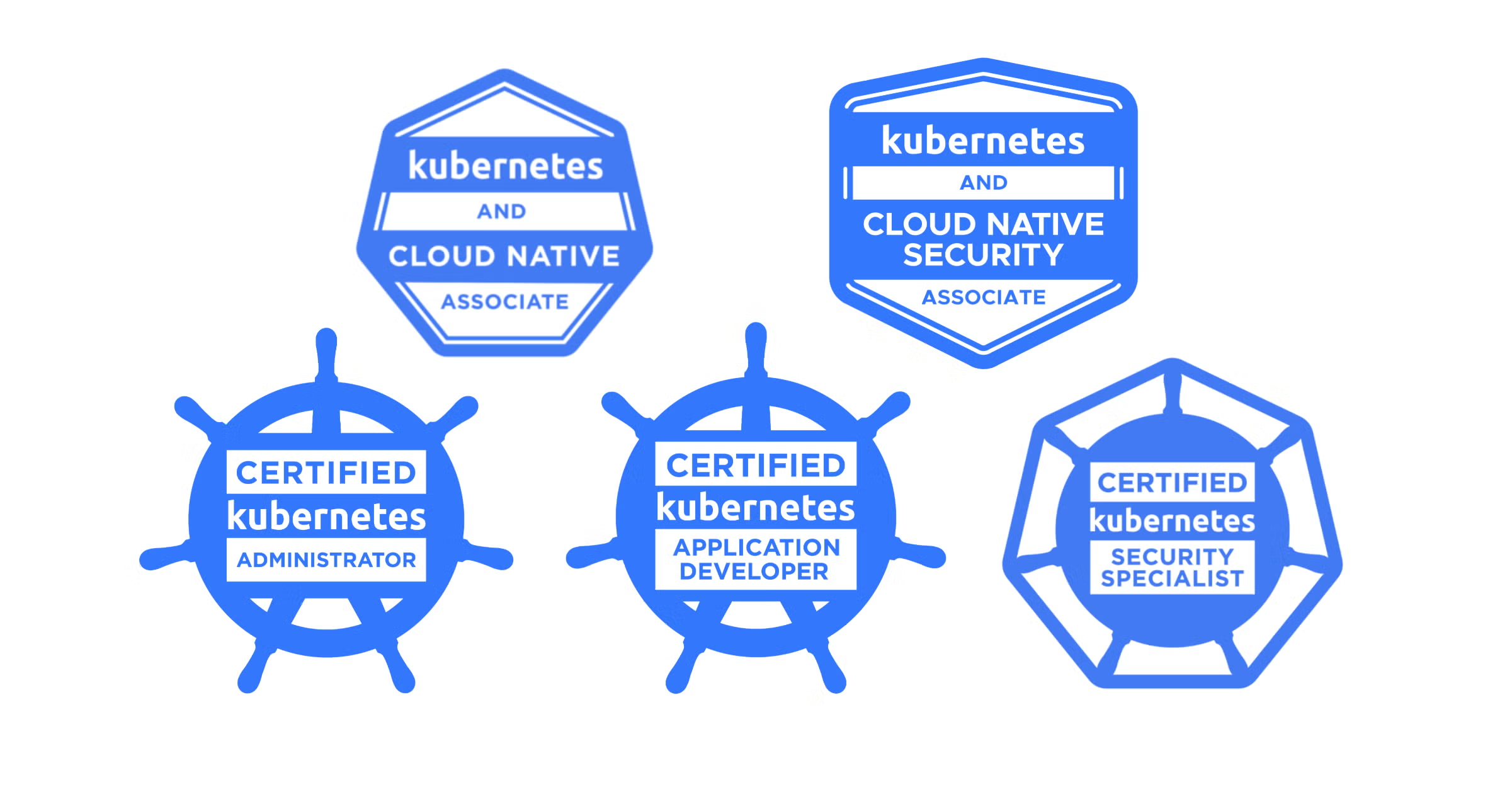
Before starting the part of the journey, I would like to do the brief introduction of the Kubestronaut program. The Kubestronaut program is hosted by CNCF. The Kubestronaut status will be granted to the individual person who passes 5 Kubernetes exams and every certificate must be active at the same time:
- Certified Kubernetes Administrator (CKA): hands-on lab exam, content around Kubernetes admin, 3 years validity
- Certified Kubernetes Application Developer (CKAD): hands-on lab exam, content around Kubernetes application developer, 3 years validity
- Certified Kubernetes Security Specialist (CKS): hands-on lab exam, content around security-related Kubernetes setup, 2 years validity, CKA must be taken and passed before taking CKS.
- Kubernetes and Cloud Native Associate (KCNA): multi-choice exam, content around Kubernetes basic components, 3 years validity
- Kubernetes and Cloud Native Security Associate (KCSA): multi-choice exam, content around Kubernetes basic security, 2 years validity
Also, CNCF has another program called Golden Kubestronaut, which will be granted to the individual who passes every exam by CNCF, plus Linux Foundation Certified System Administrator (LFCS).
You may find the full detail of Kubestronaut program in this page: https://www.cncf.io/training/kubestronaut/
Preparation
CKA, CKAD and CKS exams are all hand-on tasks. Every task requests you to do complete what they want in Terminal. Thus, the best way to practice this exam is learning by doing.
For CKA and CKAD, I mostly used this medium post Practice Enough With These 150 Questions for the CKAD Exam during the exam preparation. However, I still have my own recommendation apart from the blog post above.
- Create and upgrade cluster by yourself using
kubeadm. Do until you remember steps and commands during the create and upgrade tasks. Also, do install every component likekubeletandkubectlby yourself. This will be valuable for the CKA exam. (If you practice for the CKAD exam, you may skip this part.) - Practice saving and restoring etcd snapshot until you are familiar with these commands and steps.
- Build images using
dockerand various image builder commands. (If you practice for the CKA exam, you may skip this part.) - Do everything in Terminal. Practice editing YAML files using vim until you are familiar with the editor.
- Do remember the command
kubectl config set-context --current --namespace <namespace_name>as you need to set namespace during the exam. - Using command
kubectl runto create pod andkubectl create <object_type> <object_name>to create objects along with--dry-run=clientand-oyamlflags saves you a lot of time as you do not need to create a new YAML file from scratch or search for an example in kubernetes.io. - Setup
kas an alias forkubectlsaves you a lot of time. - Do remember as many Kubernetes objects as you can because the exam doesn’t provide enough time to open the reference docs for every resource. If you cannot remember something in the resource file, you may consider using
kubectl explainas it saves your time. - killer.sh, the practice set provided with your exam, is also a useful resources to practice although it is not 100% the same as the real environment.
My own recommendation for CKS:
- Content of the exam will be a lot harder than CKA and CKAD.
- During the practice, remember to backup the Kubernetes static resources (etcd, api server, etc.) when you make any changes. You have to make changes to the static resources several times during the exam.
- I use killercoda.com for the exam environment.
- CKS also includes non-core components for Kubernetes and sometimes will include other softwares as well, for example, kubebench.
- Network Policy is quite important. Practicing until you can create the network policy by yourself will be helpful in the exam room.
For KCNA, I haven’t collected what I use for the practice. (Sorry about that) For KCSA, I use Thiago’s website for the exam question practice: https://github.com/thiago4go/kubernetes-security-kcsa-mock
Taking Exam
Test takers are allowed 2 hours to complete per exam for hands-on lab and 90 minute for multi-choice exams. The check-in process is opened 30 minutes before the scheduled time. I recommended you to check in as earlier as you can as this process takes a long time.
Check-in process:
- The exam will run on PSI browser, which you must install to enter the exam. You must exit all programs running on your machine before entering the exam.
- PSI browser will request permission to listen your microphone, monitor your camera and screen sharing. You will be monitored all time during the exam.
- The exam will run on a Linux virtual machine. You must do everything on the VM.
- You need the private room. The exam proctor will request you to pan your camera to every wall, floor and ceiling in your room.
- Exam taking desk must be clean. A cluttered table is not allowed.
- Phones and smart devices (including AirPods) are not allowed. You must remove all of them and place out of reach. (User with Mac & iPhone, I recommend to switch off your iPhone as it may ring your Mac when the iPhone ringing.) Every remote controls must also be placed out of reach.
- A glass or a bottle of water without label is allowed.
- You must provide a government-issue identification document for verification. (A passport is recommended.)
During the hands-on lab exam:
- Exam tasks have a scoring weight indicator. Do remember that scoring weight is not associated with the difficulty.
- Carefully read the exam and follow the task instruction.
- Read and enter context setting command every time before starting each question. You will receive zero scores for a task if you complete it in the wrong cluster. (Context setup command is provided in the task.)
- The reference links to Kubernetes objects are provided in tasks. You can use it to see the description and examples in the kubernetes.io website. However, going to the discussion board inside the website is strictly prohibited.
- Back up every resource and file provided in exams before editing, especially when you are modifying static resources.
- Passing score is 66% for CKA and CKAD, 67% for CKS.
During the multi-choice exam:
- You cannot search anything in the internet, including Kubernetes website.
- It is recommended to flag the questions that you are unsure, so you can come back and recheck again easily.
- Passing score is 75% for both KCNA and KCSA
Exam Result
For the hands-on lab exams, the results will be sent to your mailbox around 24 hours after the exam is completed. You will know the status pass or fail from your email. The exam score will be available to you at The Linux Foundation’s learning portal.
For the multi-choice exams, you will receive the score report immediately after you complete the exam.
If the status is passed, you will receive the certificate with your name indicated. Also, you will receive the badge in Credly that you can share later.
If you pass all 5 exams, you will receive the Kubestronaut badge when the last exam result is published. After that, you will receive a greeting email from the CNCF team to ask you for details.
What I learn from taking these exams?
As I have the admin Kubernetes background, what I realize is KCNA, CKA and CKAD are somehow easy for me. (It sounds bragging, but it’s real.) So, I usually practice to get used to the exam environment.
The one that changes me a lot is KCSA and CKS. Although the core concepts of the security in Kubernetes is quite simple, implementing it still takes a lot of time to get the familiarity. A lot of security stuffs, for example, audit logging, admission controller, are not really something you can use kubectl explain to get that information. Also, a simple Kubernetes setup doesn’t have the requirements to enable security parameters, which make me learn a lot during the exam preparation.
If you are the Kubernetes admin and don’t want to pursue the Kubestronaut, I still recommend to complete all hands-on lab exams and skip the multi-choice exams. You will benefit from this learning path in your career.
 Nutmos's Blog